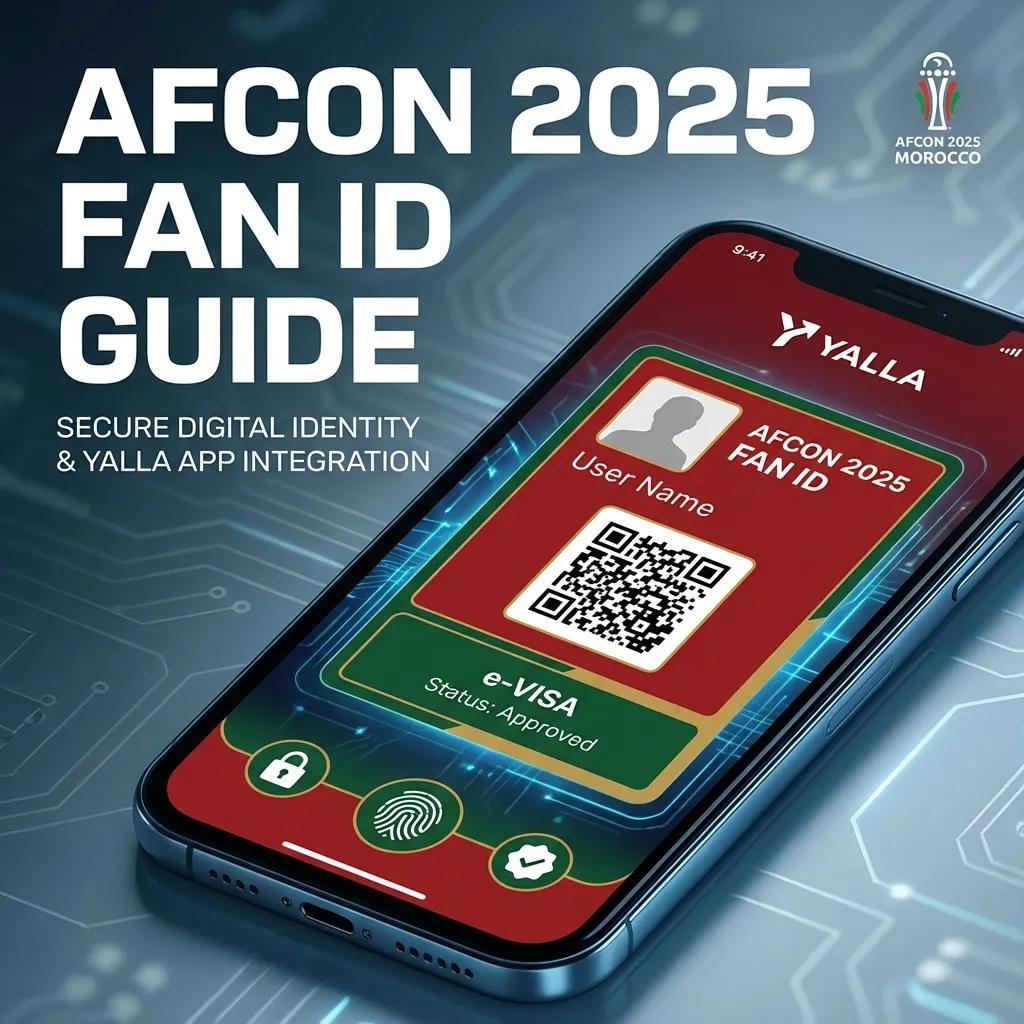
Everything you need to know about the mandatory Fan ID for AFCON 2025. Step-by-step YALLA app registration and e-visa guide.
The Fan ID is mandatory for all spectators attending AFCON 2025 matches in Morocco. You must register through the YALLA App to purchase tickets, enter stadiums, and obtain a free e-visa (for non-African visitors).
⚠️ Important: No Fan ID = No stadium entry, even if you have a ticket.
What is the AFCON 2025 Fan ID?
The Fan ID is a digital identification pass that links your identity to your match tickets. It serves as:
- Digital ticket holder verification
- Stadium entry credential
- E-Visa integration (for eligible visitors)
- Tournament services access card
Key Features
- One Fan ID = One ticket per match
- Digital QR code for stadium entry
- Integrated with CAF ticketing portal
- Valid for all 9 AFCON 2025 stadiums
- Free e-visa included (for eligible nationalities)
The YALLA App: Your Complete Guide
YALLA (يلا - "Let's Go" in Arabic) is Morocco's official digital platform for AFCON 2025.
Official Website: www.yallamorocco.ma
Supported Platforms
- Android: Download from Google Play Store
- iOS: Download from Apple App Store
- Web: Access via yallamorocco.ma (limited features)
Step-by-Step Fan ID Registration
Before You Begin
You Will Need:
- Smartphone (Android/iOS)
- Valid passport
- Email address
- Phone number
- Recent passport-style photo
Estimated Time: 10-15 minutes
Step 1: Download the YALLA App
- Android Users: Open Google Play Store → Search "YALLA Morocco AFCON 2025" → Tap "Install"
- iOS Users: Open Apple App Store → Search "YALLA Morocco" → Tap "Get"
⚠️ Verify the Official App: Developer: Kingdom of Morocco / CAF
Step 2: Create Your Account
- Open the YALLA app
- Select your preferred language (English/French/Arabic)
- Tap "Create Account"
- Enter your email address
- Create a strong password (minimum 8 characters)
- Confirm password
- Tap "Continue"
Step 3: Personal Information
Complete your profile with accurate information (must match your passport):
- Full Name (as shown on passport)
- Date of Birth
- Nationality
- Gender
- Phone Number (with country code)
- Residential Country
Step 4: Passport Upload
- Select "Upload Passport"
- Take photo with camera or upload from gallery
- Ensure clear, high-resolution image with all text readable
Step 5: Profile Photo
Upload a recent passport-quality photo with clear face visibility and neutral expression.
Step 6: Review and Submit
- Review all information carefully
- Accept terms and conditions
- Tap "Submit Application"
Step 7: Verification Process
Processing Time: 24-48 hours (usually faster)
Track status in YALLA app → "My Fan ID"
Understanding Your Fan ID
Once approved, your Fan ID displays:
- Full Name
- Fan ID Number (unique 12-digit code)
- Profile Photo
- Nationality
- QR Code (for stadium scanning)
- Validity Period: Dec 21, 2025 – Jan 18, 2026
Buying Tickets with Your Fan ID
- Open YALLA app or visit tickets.cafonline.com (see our purchasing tickets guide for more details)
- Log in with your YALLA credentials
- Browse matches by date, stadium, teams, or tournament stage
- Select match(es) and choose seating category
- Complete payment
- Receive digital ticket (linked to Fan ID)
Important: One Fan ID = One ticket per match
e-Visa Integration
Who Needs an e-Visa?
Visa-Free Entry: Morocco offers visa-free entry to citizens of all African Union countries, EU countries, UK, USA, Canada, Australia, Japan, South Korea, and many others.
e-Visa Required: If your nationality requires a visa for Morocco, the YALLA app provides a FREE e-Visa for AFCON 2025.
How to Apply for e-Visa through YALLA
Prerequisites:
- Approved Fan ID
- Purchased match ticket
- Valid passport (6+ months validity)
Application Process:
- Open YALLA app → Go to "e-Visa Application"
- Upload required documents (passport, hotel booking, return flight ticket)
- Submit application
- Wait for approval (3-5 business days)
- Receive e-Visa electronically
e-Visa Validity:
- Entry Period: 30 days before first match
- Stay Duration: Tournament period + 7 days
- Multiple Entry: Yes
- Cost: FREE for AFCON ticket holders
Match Day: Using Your Fan ID
Stadium Entry Process
- Arrive 2-3 hours before kickoff
- First Security Check (bag inspection, metal detector)
- Fan ID Verification Point (show QR code)
- Ticket Verification (QR code scanned)
- Enter Stadium
Prohibited Items at Stadiums
- Weapons or sharp objects
- Fireworks, flares, smoke bombs
- Alcohol or illegal substances
- Large bags (over 30cm × 30cm × 15cm)
- Professional cameras (DSLR with detachable lens)
Troubleshooting Common Issues
Issue: "Passport not recognized"
- Retake photo in better lighting
- Ensure all text is clear and readable
Issue: "Email verification not received"
- Check spam/junk folder
- Wait 10 minutes
- Request new verification email
Issue: "Application rejected"
- Check rejection email for reason
- Correct issues and resubmit
Support and Contact Information
YALLA App Support:
- Email: [email protected]
- Technical: [email protected]
- e-Visa: [email protected]
- Response Time: 24-48 hours
CAF AFCON 2025 Support:
- Website: tickets.cafonline.com/support
- Email: [email protected]
- Phone: +212 537 540 600
Important Dates & Deadlines
| Date | Event |
|---|---|
| Now - Dec 10 | Register for Fan ID (recommended) |
| Dec 15 | Last recommended date for Fan ID registration |
| Dec 18 | Final e-Visa application deadline |
| Dec 21 | AFCON 2025 Opening Match |
| Jan 18, 2026 | AFCON 2025 Final |
Final Checklist
Before traveling to AFCON 2025, ensure:
- Fan ID registered and approved
- YALLA app downloaded and logged in
- Match tickets purchased and linked to Fan ID
- e-Visa approved (if applicable)
- Passport valid (6+ months remaining)
- Portable phone charger packed
Need Help? Contact YALLA support at [email protected]
Yalla Morocco! Let's go! 🇲🇦⚽
Last Updated: November 27, 2025
In this article
- What is the AFCON 2025 Fan ID?
- The YALLA App: Your Complete Guide
- Step-by-Step Fan ID Registration
- Understanding Your Fan ID
- Buying Tickets with Your Fan ID
- e-Visa Integration
- Match Day: Using Your Fan ID
- Troubleshooting Common Issues
- Support and Contact Information
- Important Dates & Deadlines
- Final Checklist
Written by
Morocco Stadiums Team
AFCON 2025 Guide